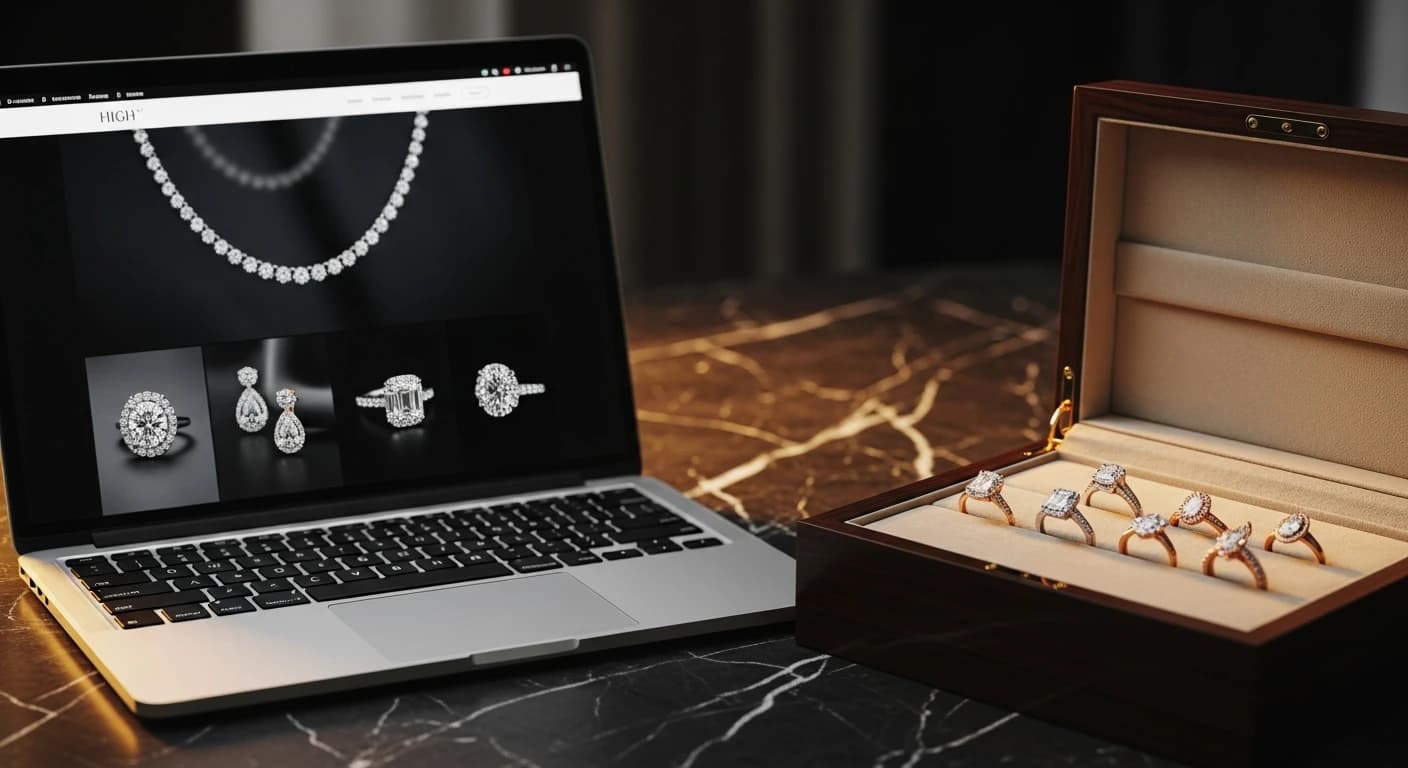

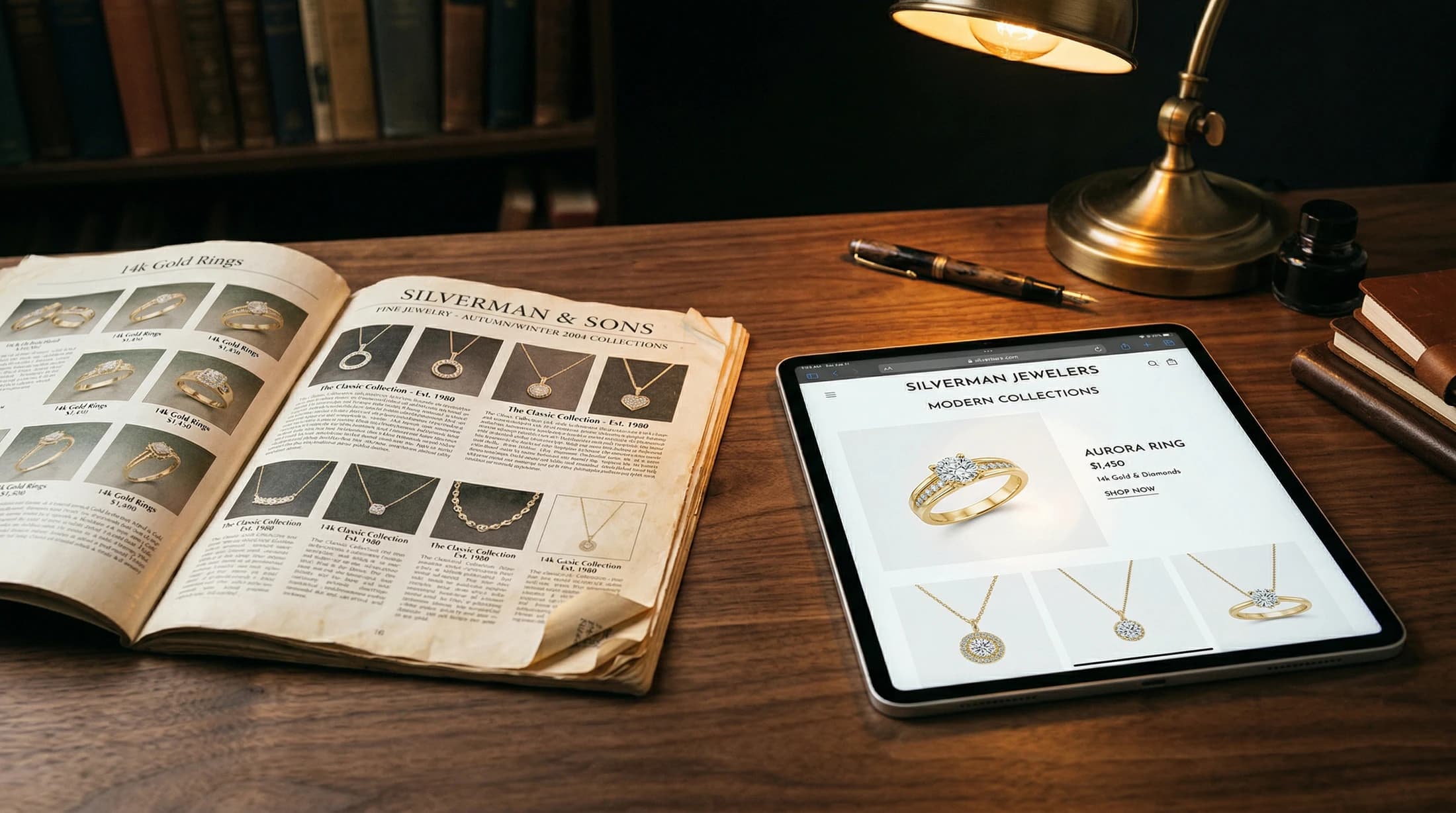
A digital catalog, done right, is a set of web-native collection pages that let customers browse your inventory, share specific pieces, and book a showroom visit, all while feeding your SEO and your analytics. A PDF is none of those things. The data is clear: interactive digital catalogs see a 300% revenue increase over static PDFs, with 84% of recipients taking action (visit or purchase) after engaging with the content (Publitas customer case, 2025).
H&CO is a digital marketing agency for luxury jewelry and watch retailers. We've seen the same scene play out dozens of times: a major luxury brand releases their new collection, sends you a 40-page, 25MB PDF file filled with beautiful high-resolution imagery and elegant typography, and tells you to "put it on the website."
And so, you do. You create a button that says "View Our 2025 Catalog," and you link it to that file.
You've just committed one of the most common, and most expensive, marketing sins in luxury retail.
PDFs were designed for printers, not for the modern digital shopper. According to Fortune Business Insights, 81.4% of luxury watch sales still happen in-store. Your website's primary job is to be a discovery engine that drives those visits. By hosting a PDF instead of web-native content, you aren't just providing a poor user experience; you are actively sabotaging your SEO, your tracking, and your ability to connect digital activity to in-store revenue.
A PDF on a website is like a brochure left on a park bench. It looks nice, but you have no idea who picked it up, and it mostly gets walked past. Your website is your most important real estate. Don't waste it on file hosting. Every piece of information the brand gives you should be used to improve your search rankings and your customer's experience.
Why Are PDF Catalogs an SEO and Tracking Dead End?
1. It's an SEO Black Hole
While Google can technically index a PDF, it rarely chooses to rank one. A PDF lacks internal links, it doesn't have a mobile-responsive structure, and it lacks the "schema markup" (structured data) that tells Google, "This is a product, this is the brand, and it is in stock at this location."
When someone searches for a specific collection or reference number, Google will always prioritize a web page over a PDF file.
2. The Mobile Experience is Abysmal
Try opening a 25MB PDF on a smartphone while on a 4G connection. First, there's the wait. Then, there's the "pinch and zoom" nightmare. Your customer has to zoom in to read the text, then scroll horizontally to find the image, then zoom back out to turn the page. It's an exhausting experience that leads to one outcome: the "back" button.
3. You Are Flying Blind
You can't track what happens inside a PDF. You don't know which products people looked at, how long they spent on page 12 vs. page 40, or which image made them want to visit your store. You can't retarget a user who looked at a specific watch in a PDF. Once they click that link, they enter a tracking "black box."
How Do Modern Luxury Buyers Actually Browse?
The modern luxury buyer doesn't "browse a catalog" the way they did in the 1990s. Their behavior is fragmented and intent-driven:
They Search: They look for specific models or "best luxury watches for [Occasion]."
They Scroll: They want an Instagram-style experience where they can swipe through high-quality imagery without friction.
They Share: They want to screenshot a specific piece and text it to a spouse or a friend. (Try doing that with a PDF. You usually end up with a blurry crop of half the page).
They Compare: They want to see your inventory side-by-side.
A PDF is static. A web page is interactive. The difference is the difference between a museum and a showroom.
What Should Replace the PDF Catalog?
If you want to drive traffic and convert shoppers, you need to turn that PDF into a series of Collection Landing Pages.
Instead of one PDF link, you should have:
A "New Arrivals" hub.
Dedicated pages for each major collection (e.g., "The Diver Collection," "The Heritage Series").
Individual product pages for your top-tier or high-inventory pieces.
What these pages should include:
High-Quality, Web-Optimized Imagery: Use the brand's assets, but make sure they load in under a second.
Your Store's Voice: Don't just copy the brand's technical specs. Add your own context: "This is the most popular piece in our showroom right now because..."
Clear Calls to Action (CTAs): Instead of just "viewing" a file, give them a reason to engage. "Book a Private Viewing" or "Text Our Specialist for Price."
Social Proof: Mention that you are an authorized dealer with 40 years of local history. This is something the brand's own PDF will never do for you.
What If the Brand Only Gives You a PDF?
We know the reality: sometimes you don't have the time or the assets to build 40 new pages. But you can still do better than a raw file download.
- Extract the Best Assets: Use a tool to pull the high-res images out of the PDF and build a simple, scrolling image gallery on a web page.
- Transcribe the Text: Turn the PDF's copy into actual HTML text so Google can read it.
- Use the "Flipbook" Format as a Last Resort: If you must use a catalog format, use a web-native "digital flipbook" tool that is mobile-responsive and allows for basic analytics tracking. It's still not as good as a web page, but it's 10x better than a raw PDF.
The brand's catalog is a goldmine of content. Don't bury it in a file that no one wants to download.
Research & Sources
- Bain & Company: Luxury Market Study 2024, 84% of recipients take action after engaging with interactive digital catalogs; 78% of luxury consumers research online before purchasing.
- Digital Catalogs: Interactive catalogs see a 300% revenue increase over static PDFs (Publitas customer case, 2025).
- Think with Google: Local Search Statistics, 46% of all Google searches have local intent; 76% of local mobile searches result in a physical store visit within 24 hours.
- BrightLocal: Local Consumer Review Survey 2026, AI tool usage for local recommendations surged from 6% to 45% in a single year.
Still hosting PDFs? We'll turn your brand catalogs into high-performance web pages that rank, track, and actually drive showroom traffic. Let's modernize your site.

About the author
Hagop Imasdounian
Hagop Imasdounian is the founder of H&CO. Raised around his family’s jewelry businesses, he brings more than 15 years of digital marketing experience to helping jewelry and watch brands improve their websites, reach buyers and connect marketing with sales.